How to Make an Instagram Business Account (Setup Guide)
Key Takeaways
- •Business accounts have a significantly more restricted music library, which is the most common reason people switch back to Creator
- •The name field is separate from your username, indexed in Instagram search, and almost everyone wastes it
- •Insights only accumulate from the point of switching, so switching sooner gives you more history
- •There is no reliable evidence professional accounts get less reach: the correlation comes from more promotional content performing worse
- •Shopping setup requires a Facebook Page, a product catalogue and a review process, and takes far longer than the account switch
Switching to a business account takes about two minutes. The part worth thinking about is whether you want a Business account or a Creator account, because they differ in ways that matter and the difference is not obvious from the setup screen.
Business versus Creator
Both give you insights, contact options and the ability to run ads. The differences:
Business accounts have the fullest commerce features, can be managed through third-party scheduling tools most completely, and have a significantly more restricted music library, because commercial use of popular tracks requires licensing the account does not carry.
Creator accounts keep the full music library, have a more flexible inbox with message categorisation, and offer creator-specific tools around branded content and partnerships.
The practical rule: if you sell physical products through Instagram's commerce features, Business. If you are a creator, coach, service business or personal brand and you use music regularly, Creator. The music library difference is the one that surprises people most, and it is the most common reason accounts switch back.
Switching between them is easy and reversible, so this is not a decision to labour over.
Making the switch
1. Open your profile, then the menu.
2. Settings, then Account type and tools.
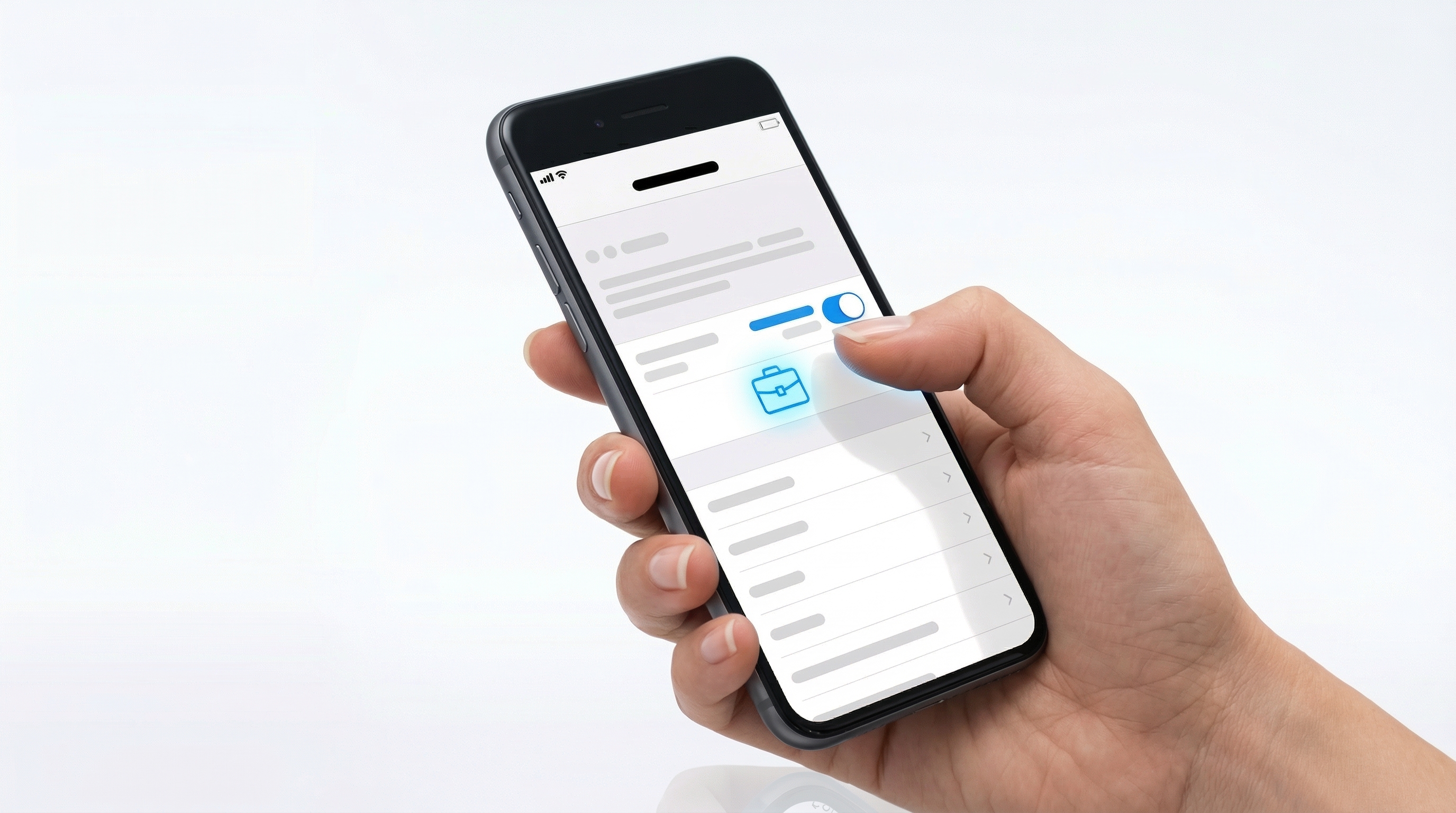
3. Switch to professional account.
4. Choose a category that describes what you do.
5. Choose Business or Creator.
6. Add contact details if you want them shown.
You can connect a Facebook Page during setup. This is required for some advertising and commerce features and optional otherwise.
Setting up the profile properly
The setup screen asks for a few things and most people fill them in badly.
Category. Shown under your name. Pick the one that actually describes what you do rather than the most impressive-sounding option.
Name field. This is separate from your username and it is indexed in Instagram search. Do not repeat your username here. Put what you do: "Ana | Wedding photographer, Lisbon" is findable, "Ana Silva" is not.
This is the single most valuable field on the profile and almost everyone wastes it.
Bio. Who you help, with what, and one next step. Most bios describe the person rather than the value. A line break between them helps readability on a phone.
Link. One clear destination. Multi-link pages with fifteen options convert worse than a single relevant action.
Contact options. Email, phone, address. Only add what you want to receive, since each becomes a button.
Profile photo. Recognisable at very small size, because that is where nearly all impressions happen. A face for a personal brand, a simple mark for a company.
What you get
Insights. Reach, engagement, follower demographics, and which content performs. Insights only accumulate from the point of switching, so the sooner the better.
Contact buttons. Direct routes for people to reach you.
Advertising. The ability to promote posts and run campaigns.
Scheduling. Third-party tools can publish on your behalf, which matters if you plan any consistency.
Commerce features, where available, including product tagging and shopping.
A category label under your name, which adds credibility.
What you give up
Music library restrictions on Business accounts, covered above and worth checking before switching if music matters to your content.
Reach. There is a persistent belief that professional accounts are given less reach. Instagram denies this, and no reliable evidence supports it. What is true is that professional accounts frequently post more promotional content, which performs worse, and the correlation gets misread as causation.
Privacy. Professional accounts cannot be private.
Setting up shopping, if you sell products
Additional requirements apply and they take longer than the account switch:
- A connected Facebook Page
- A product catalogue, either through Commerce Manager or a connected ecommerce platform
- Compliance with commerce policies
- A review process, which takes time and is sometimes rejected on first submission
- Availability in your country, which is not universal
If you use a mainstream ecommerce platform, connecting it is generally the simplest route to the catalogue.
The first week
1. Fill the name field with keywords, since it is indexed and it is the highest-value change available.
2. Write a bio about the buyer, not about you.
3. Pin your three best posts, since they occupy the top of the grid for new visitors.
4. Check insights for when your audience is actually active, rather than following general advice about posting times.
5. Set up one clear link, and make it the action you actually want.
6. Start posting Reels, since that is where reach comes from.
What actually matters afterwards
The account type is a small thing. What decides outcomes:
- Posting Reels consistently, which is the only reliable reach mechanism.
- Being about one clear topic, so the recommendation system knows who to show you to.
- Converting followers into something you own, because every follower is rented and the platform can change the terms without notice.
How to use Instagram covers the full strategy, and how to get more Instagram followers covers growth specifically.
Written by Lena Whitfield
Lena is a growth strategist at Affiliateo. She specializes in community building and digital product launches.