How to Sell Templates on Canva: The Complete Playbook
Key Takeaways
- •Specificity beats design quality: a template set for one profession outsells generic ones by a wide margin
- •Templates that break when the buyer edits text are the top cause of refunds, so test by editing every element as a buyer would
- •Complete sets solving one problem outsell large collections of unrelated designs
- •Mockup quality affects sales more than template quality, because it is what the buyer sees before purchasing
- •Canva's own licence governs the stock elements inside your template, and it restricts certain resale uses
Selling Canva templates is one of the lowest-barrier digital product businesses that exists, which is exactly why it is competitive. Anyone can make a template. What separates the sellers who earn from the ones who do not is almost entirely distribution and specificity, not design skill.
How selling actually works
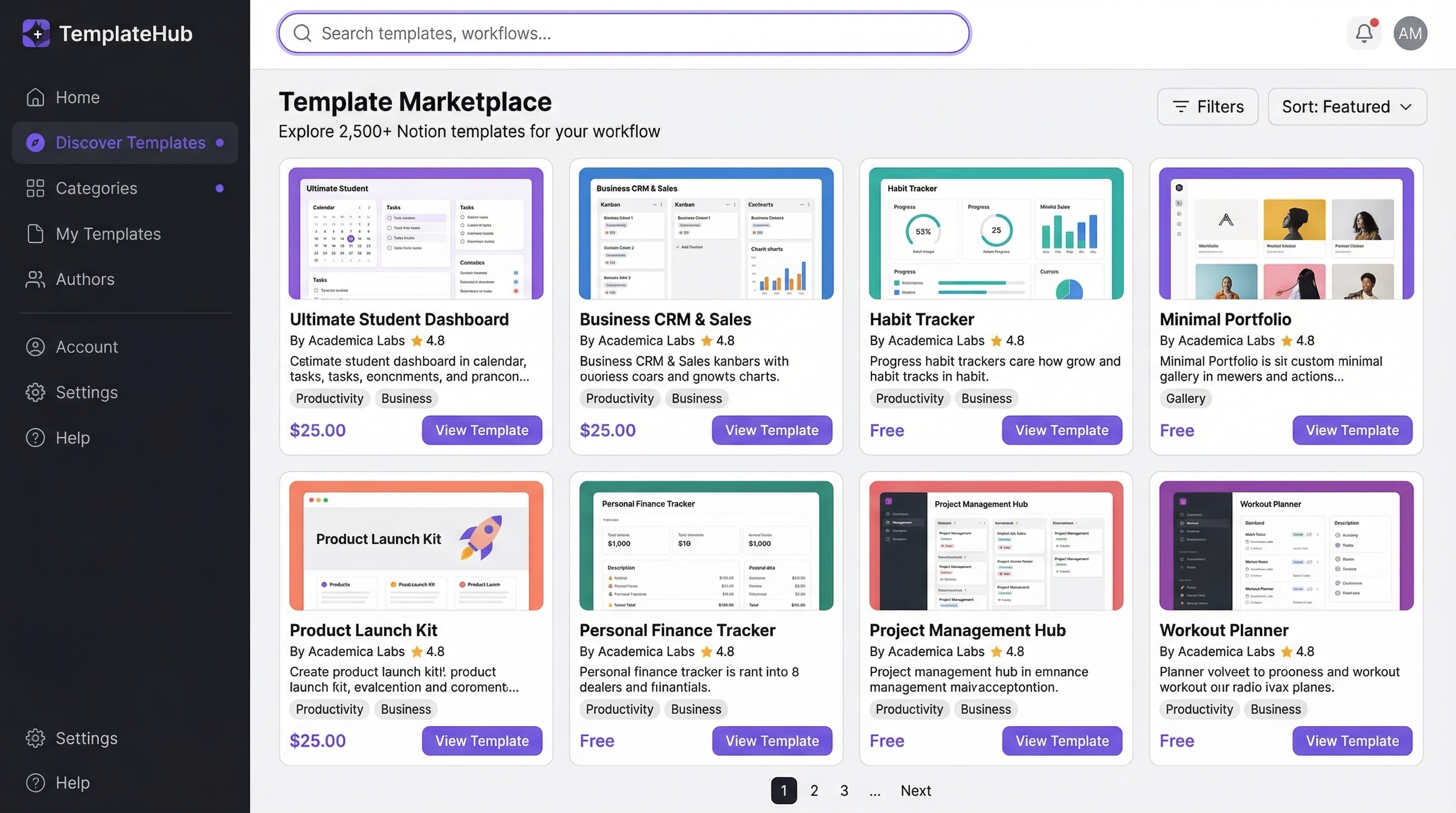
Canva templates are sold as a share link. The buyer clicks it, gets an editable copy in their own Canva account, and customises it.
Three routes to market:
Your own store. You sell the link through your own site or a digital product platform. You keep almost all the revenue and you must bring all the traffic.
Marketplaces. Etsy, Creative Market and similar. They bring buyers and take a fee, and the competition inside them is intense.
Canva's own creator program. Templates published into Canva's library, earning based on usage. Requires acceptance and follows Canva's own guidelines.
Most people should start on a marketplace to learn what sells, and move to their own store once they know.
What determines whether templates sell
Specificity beats quality
The single most important factor, and the one most people get wrong.
"Instagram templates" competes with tens of thousands of listings. "Instagram templates for wedding photographers showing before and after edits" competes with almost none, and the buyer who searches for it will pay more because it obviously fits.
The pattern: pick a specific profession or use case, and build for it completely. Narrow enough that a buyer in that niche recognises it was made for them.
Completeness beats variety
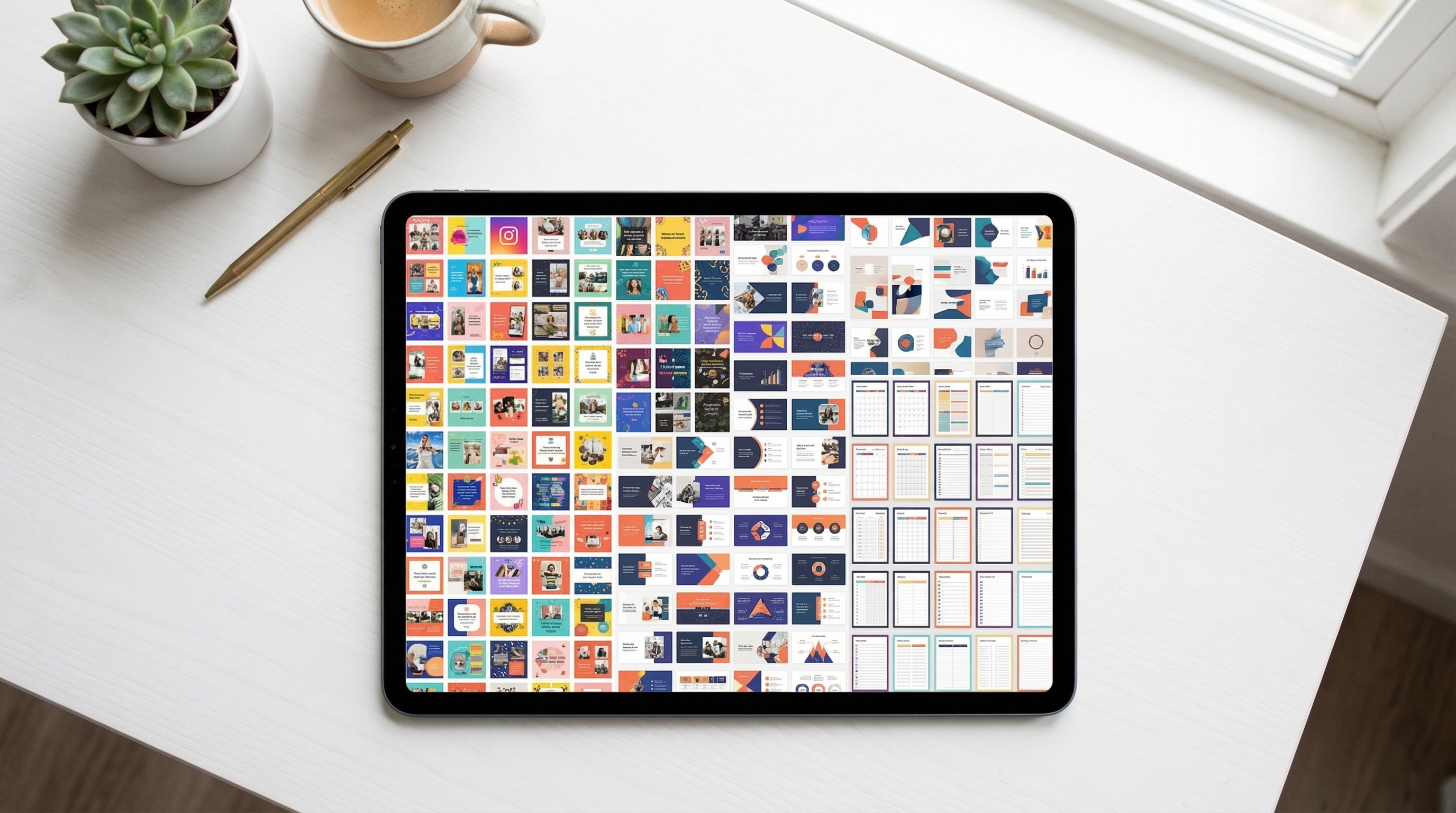
Twenty templates that form a full set for one purpose outsell a hundred unrelated ones. A buyer wants a solved problem, not a collection.
Editability beats sophistication
Templates that break when a buyer changes the text are the top cause of refunds and bad reviews. Practical rules:
- Use text boxes rather than images with baked-in text.
- Stick to Canva's free fonts, or state clearly which paid ones are needed. A buyer without Canva Pro who finds half the template unusable will leave a bad review.
- Do not rely on Pro-only features unless the listing says so prominently.
- Test by editing every element yourself as a buyer would.
Instructions matter more than expected
Include a short guide covering how to duplicate the template, how to change colours and fonts, how to resize, and how to export. Support requests drop substantially and reviews improve.
Building the product
1. Pick the niche and the specific use case.
2. Look at what that buyer currently uses. Their existing solution shows you what is missing.
3. Design a complete set, not scattered pieces.
4. Use a consistent system: a defined palette, a type hierarchy, consistent spacing. This is what makes a set feel professional rather than assembled.
5. Test as a buyer. Open the share link in a different account and edit everything.
6. Write the instructions.
7. Produce mockups, showing the templates in realistic use. Mockup quality affects sales more than template quality does, because it is what the buyer sees before purchasing.
Pricing
Individual templates sell cheaply and produce little. Sets and bundles are where the money is, because they solve a problem rather than providing a component.
The most common error is pricing low to compete. It attracts the customers who generate the most support requests and it signals low quality in a market where buyers cannot evaluate before purchase. How to price digital products covers why starting higher usually wins.
A structure that works: a small free template as a lead magnet, a mid-priced focused set, and a larger bundle for the same buyer.
Getting traffic
This is the actual business, and it is where most sellers do nothing.
Pinterest. The best fit for templates by a wide margin, because the audience is planning-oriented and the product is visual. Pins keep working for years. See how to sell digital products on Pinterest.
Search content. Articles about the problem the templates solve, linking to them. Slow and compounding.
Marketplace SEO. Titles and tags matching what buyers actually search for, which is more specific than sellers assume.
Email. A free template earns the address, and the sequence sells the set. Your own channel, unaffected by any platform's decisions.
Short-form video. Showing the template being customised is genuinely compelling content and it demonstrates editability, which is the buyer's main worry.
Affiliates. Well suited to templates, because they are visual, easy to demonstrate and instantly delivered. Creators serving your niche can promote them and are paid only when a sale happens. See how to start an affiliate program.
Licensing, which people get wrong
Be explicit in the listing about what the buyer can do:
- Personal use only, or commercial use permitted?
- Can they use it for client work?
- Can they resell the template itself? Almost always no, and it should be stated.
- What about the stock elements inside it, which carry Canva's own licence terms?
That last point catches people. Canva's licence governs the elements you used, and it restricts certain uses including reselling designs whose main value is an unmodified stock element. Read the current terms rather than assuming, because they change.
The realistic assessment
Good: near-zero startup cost, no inventory, instant delivery, low refund rates, and the products keep selling for years.
Less good: extremely competitive at the generic end, marketplace fees are meaningful, and Canva's terms and features change in ways you do not control.
The determining factor: specificity plus a traffic source. Generic templates with no traffic earn nothing regardless of how good the design is. Specific templates with a Pinterest presence and an email list earn consistently.
Written by Lena Whitfield
Lena is a growth strategist at Affiliateo. She specializes in community building and digital product launches.